Allergens
Written out in words. In the guest’s language.
All 14 EU allergens, "may contain" warnings and dietary labels on every dish. Guests hide what they can’t eat with one tap.
How allergens workFor restaurants, bars and cafés
QR ordering and payments for bars and restaurants, with no app and no commission per order.
Guests scan, order in their own language and split the bill however they like. The kitchen gets every ticket. Your team gets their evening back.
Free during the launch. No card needed.

Redsys. Card, Bizum, Apple Pay and Google Pay.
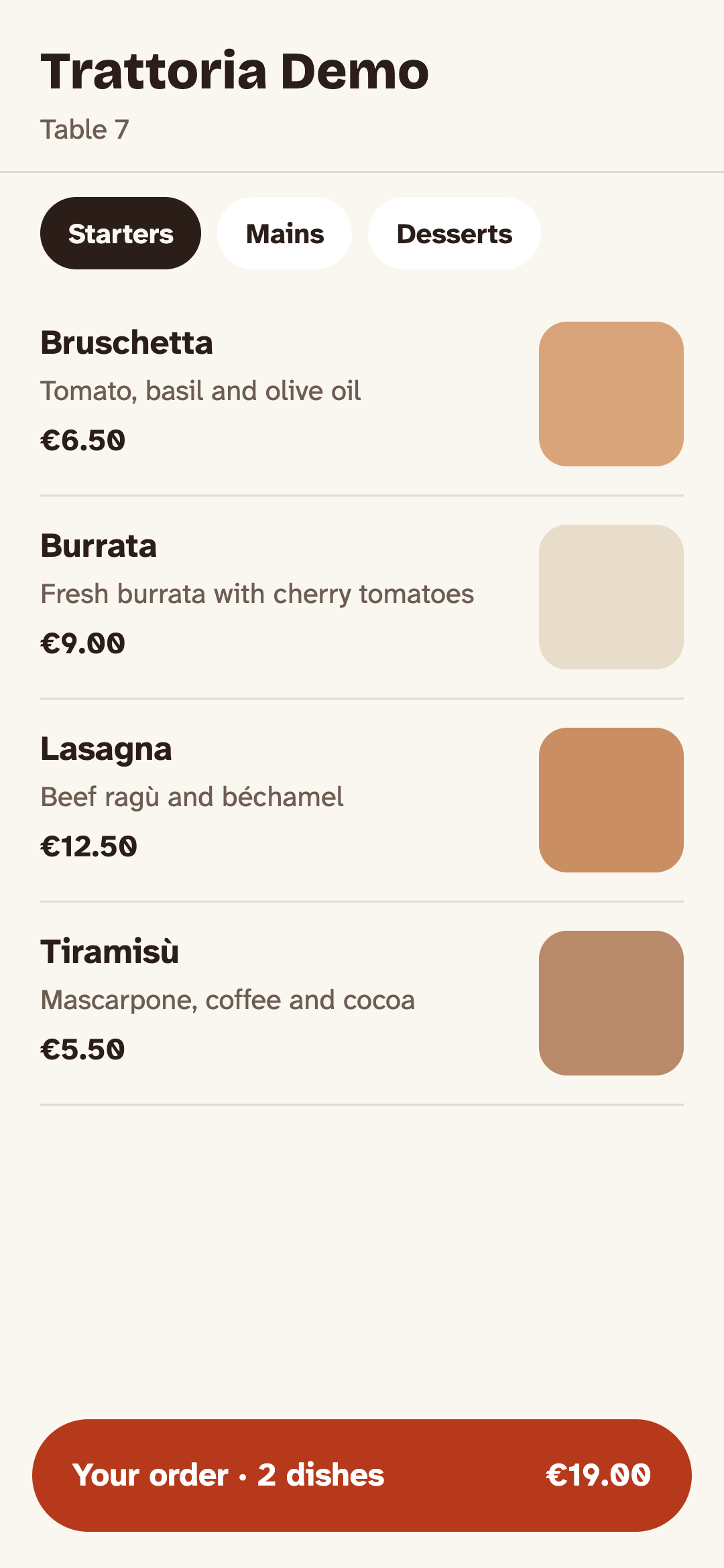
The menu opens in the phone’s browser, in their own language. Nothing to download.
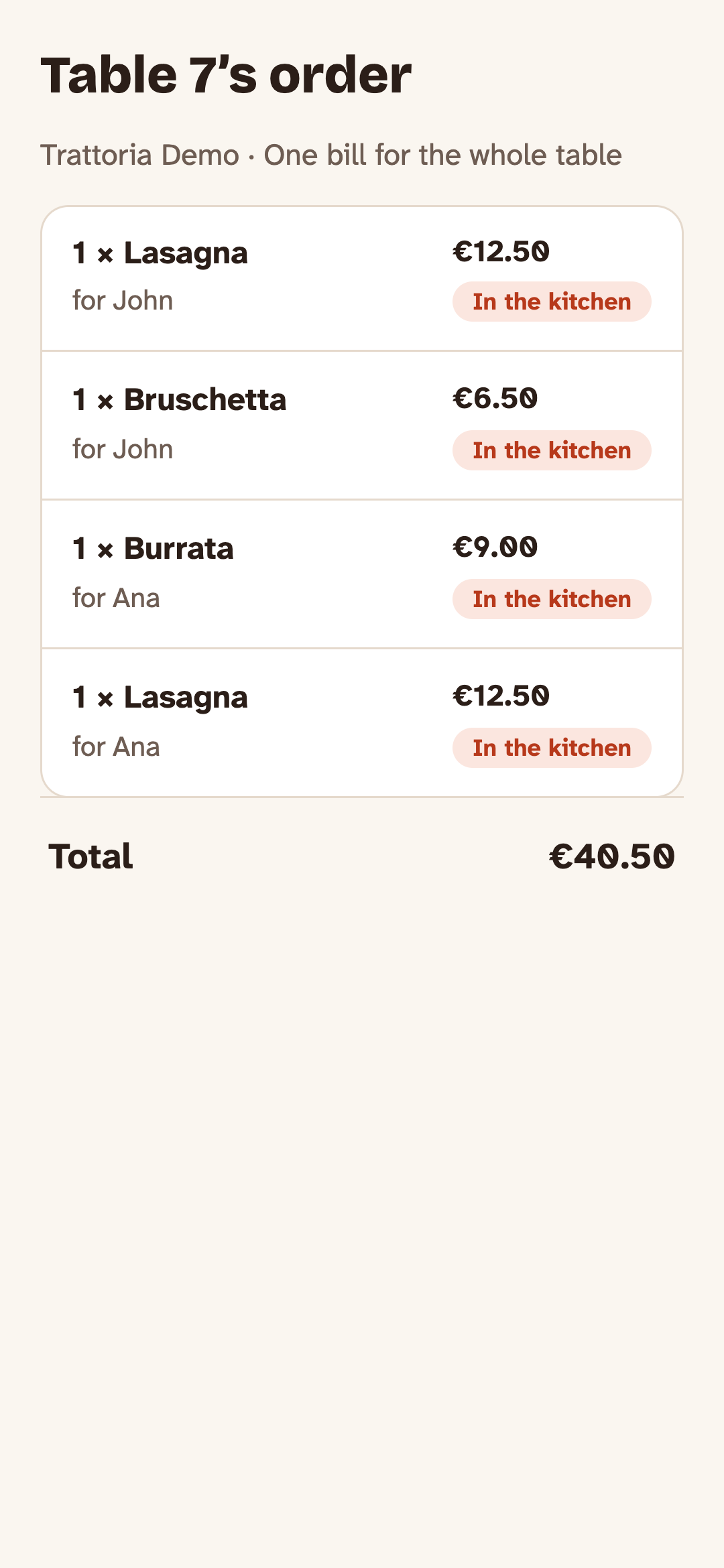
Everything goes to the same table and the same bill, and the ticket reaches the kitchen.
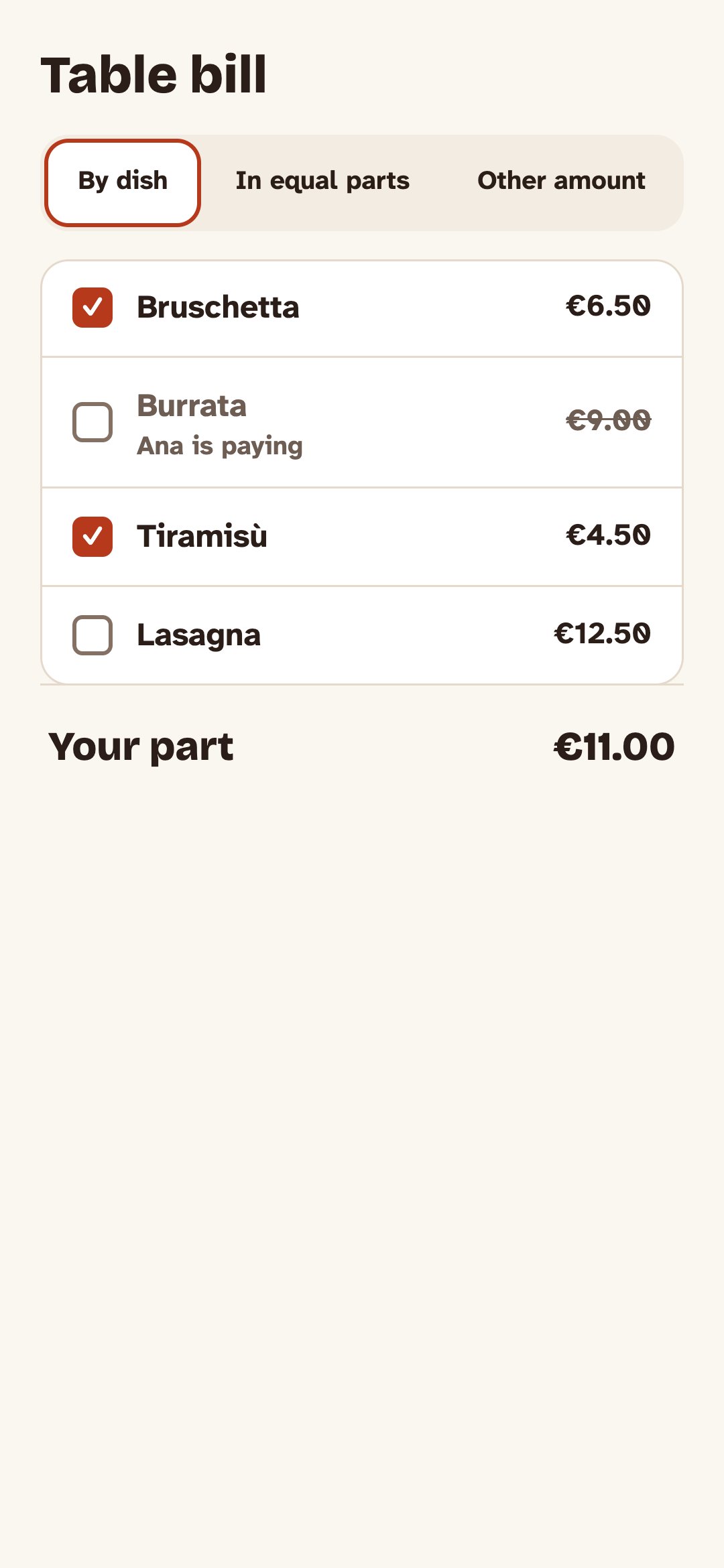
Together or separately: by dishes, in equal parts or by amount.
All 14 EU allergens, "may contain" warnings and dietary labels on every dish. Guests hide what they can’t eat with one tap.
How allergens workBy dishes, in equal parts or any amount. What someone is already paying is locked for everyone else, so the numbers always add up.
How splitting the bill works"No tip" comes first and is selected by default. Nothing is ever added without the guest choosing it.
How paying at the table worksBig tickets, timers that turn amber, then red. Allergens in words, not codes. Buttons big enough for wet hands. And the waiter’s tablet shows who called, what’s ready, and who it’s for.
How the kitchen display worksbrigetto will charge a flat fee per account. The fees on each payment are charged by your own bank or payment gateway, as they are today.
Every feature, no card needed and no commission per order.
We tell you 30 days ahead, and remind you 7 days and 1 day before. Nothing is charged until you choose a plan. From then on you always pay 50% of the price in force, even if you change plan or billing cycle.
An account created once paid plans are active starts its subscription with a 30-day trial and pays the full price.
Plans are per account, by number of venues (1, up to 5, more than 5), monthly or yearly.
How the launch worksAnother question? Write to us.
No. They scan the QR code on the table and the menu opens in their phone’s browser.
Nothing for now: it is free during the launch, with every feature. We will tell you 30 days before we start charging, and if you are already using it you will pay 50% of the price in force.
No. We charge no commission per order or per payment. Each venue takes payment through its own Redsys, which applies its usual fees.
By card, Bizum, Apple Pay or Google Pay through Redsys. The methods on offer depend on what your bank enables in your Redsys.
Yes. Each person orders from their own phone, everything goes on the same bill, and they then pay together or separately.
It doesn’t have to. brigetto also produces your menu as a PDF with its QR code, ready to print.
Yes. Staff take the order on the tablet for anyone who would rather order out loud.