Skip to content

A QR digital menu that takes the order too.

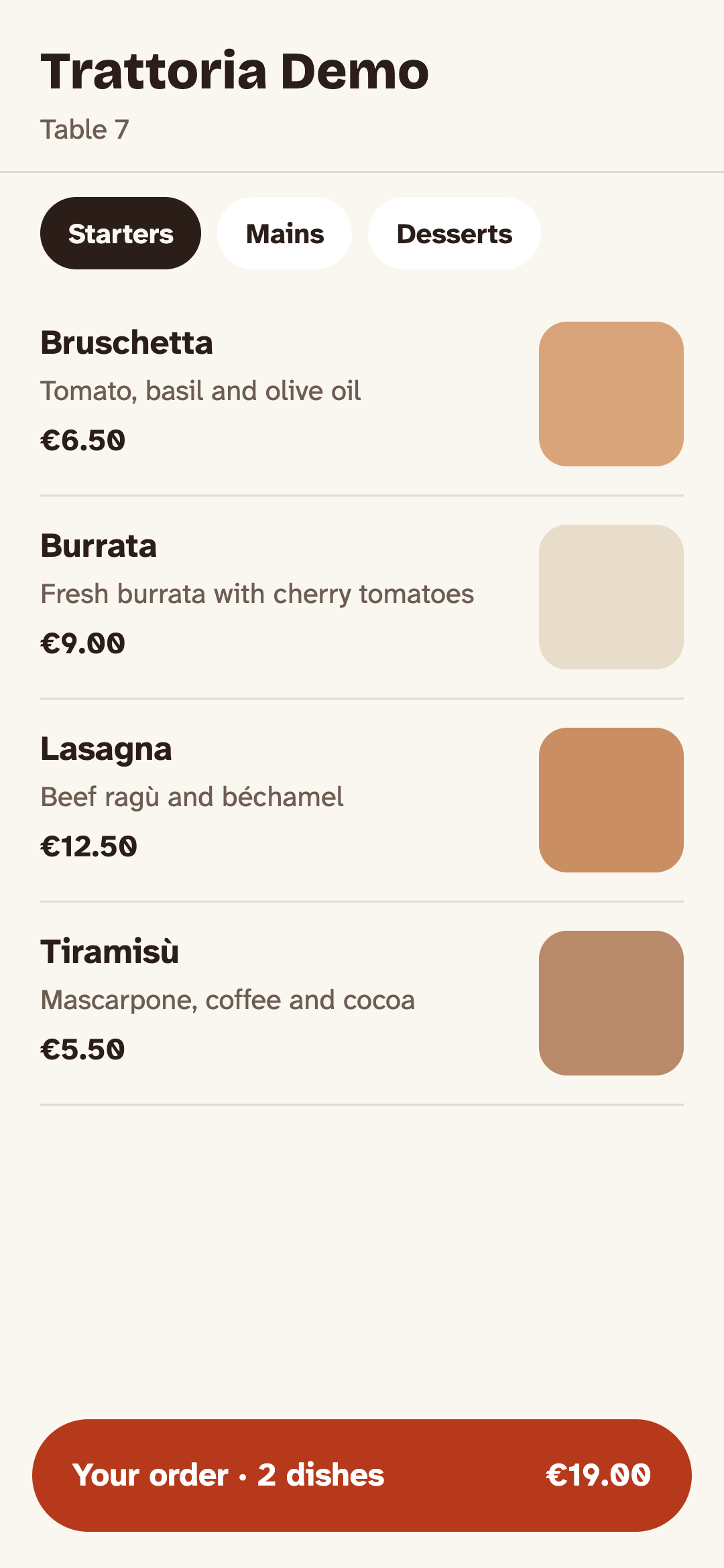
A QR digital menu is the venue’s menu on a web page that guests open by scanning a QR code. With brigetto they don’t just read it: they order and pay from it, in their own language and with all 14 allergens.

Free during the launch. No card needed.

A restaurant’s digital menu open on a phone after scanning the QR
What your menu holds

Photos, options and “sold out” with a tap.

Photos, options and extras, menus by time of day (breakfast, lunch, dinner), the 14 allergens and dietary labels, in the languages you offer. When a dish runs out, you mark it sold out and it can no longer be ordered from that moment.
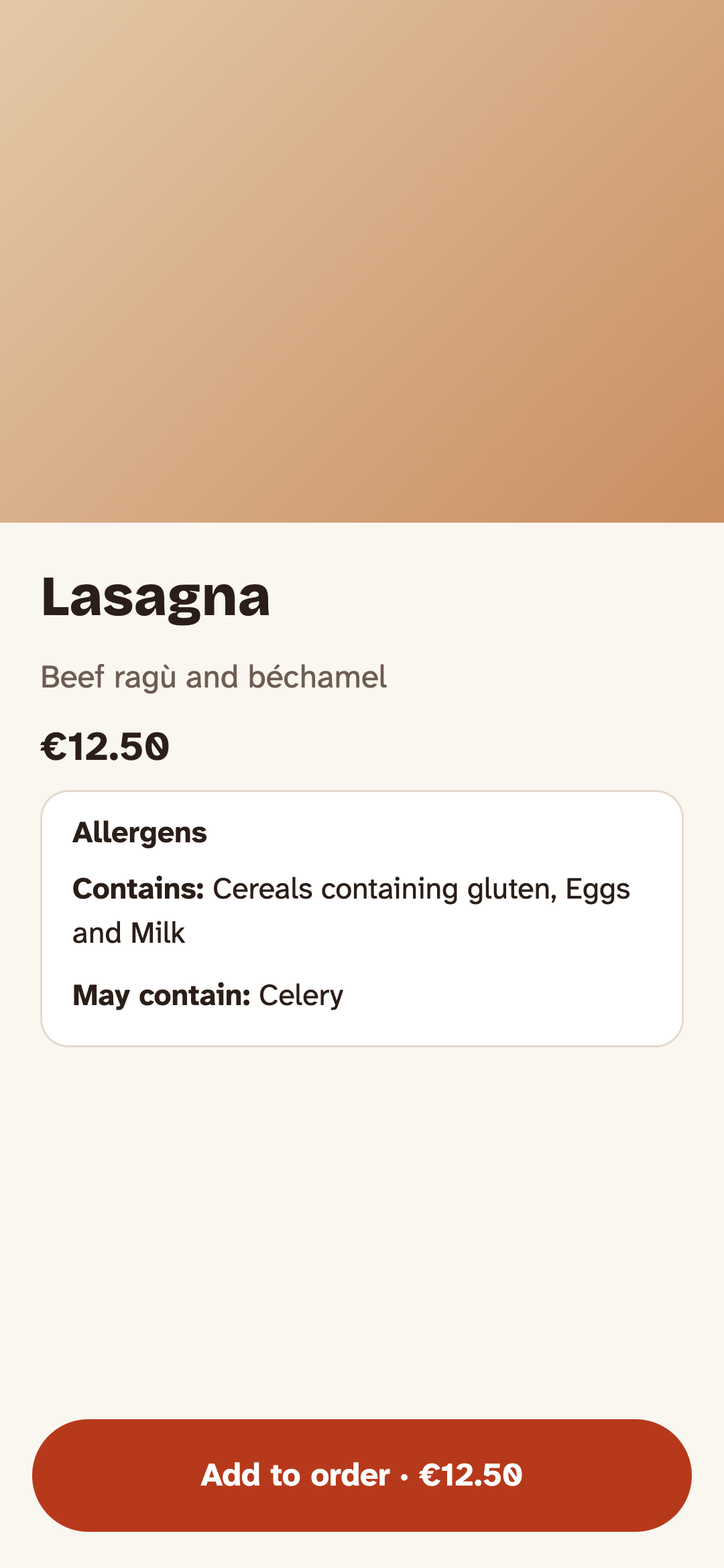
A dish page with its allergens written in words
One QR per table

Each code knows which table it belongs to.

The order arrives with its table number, without anyone typing it in. And the code is signed, so nobody can order from outside the venue.

A card with the QR code for table 7
On paper too

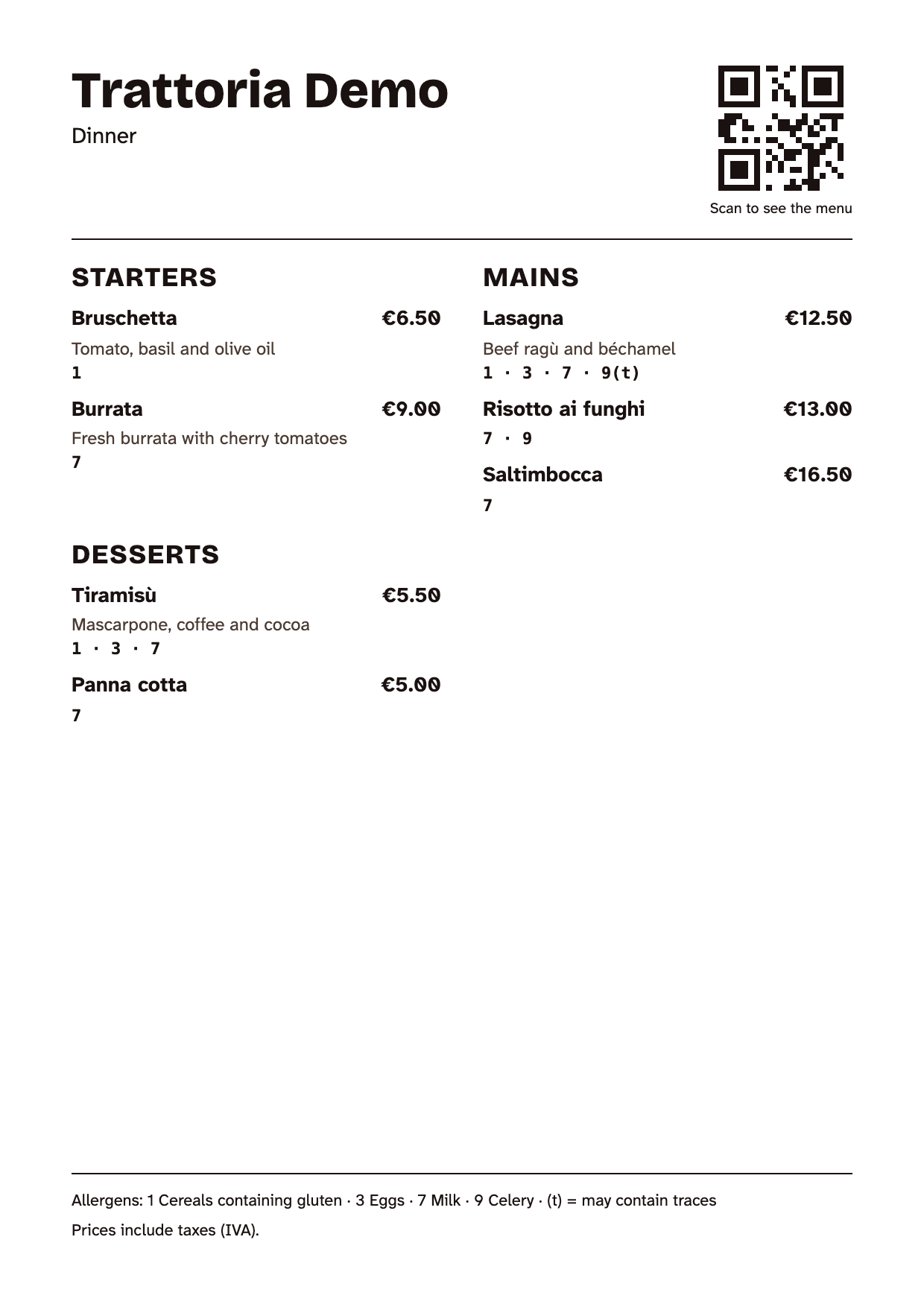
The same menu, as a PDF with its QR.

brigetto produces your menu on paper, in one or two columns, with its QR code.

A paper menu generated with its QR code
A quick start

Import your dishes from a spreadsheet.

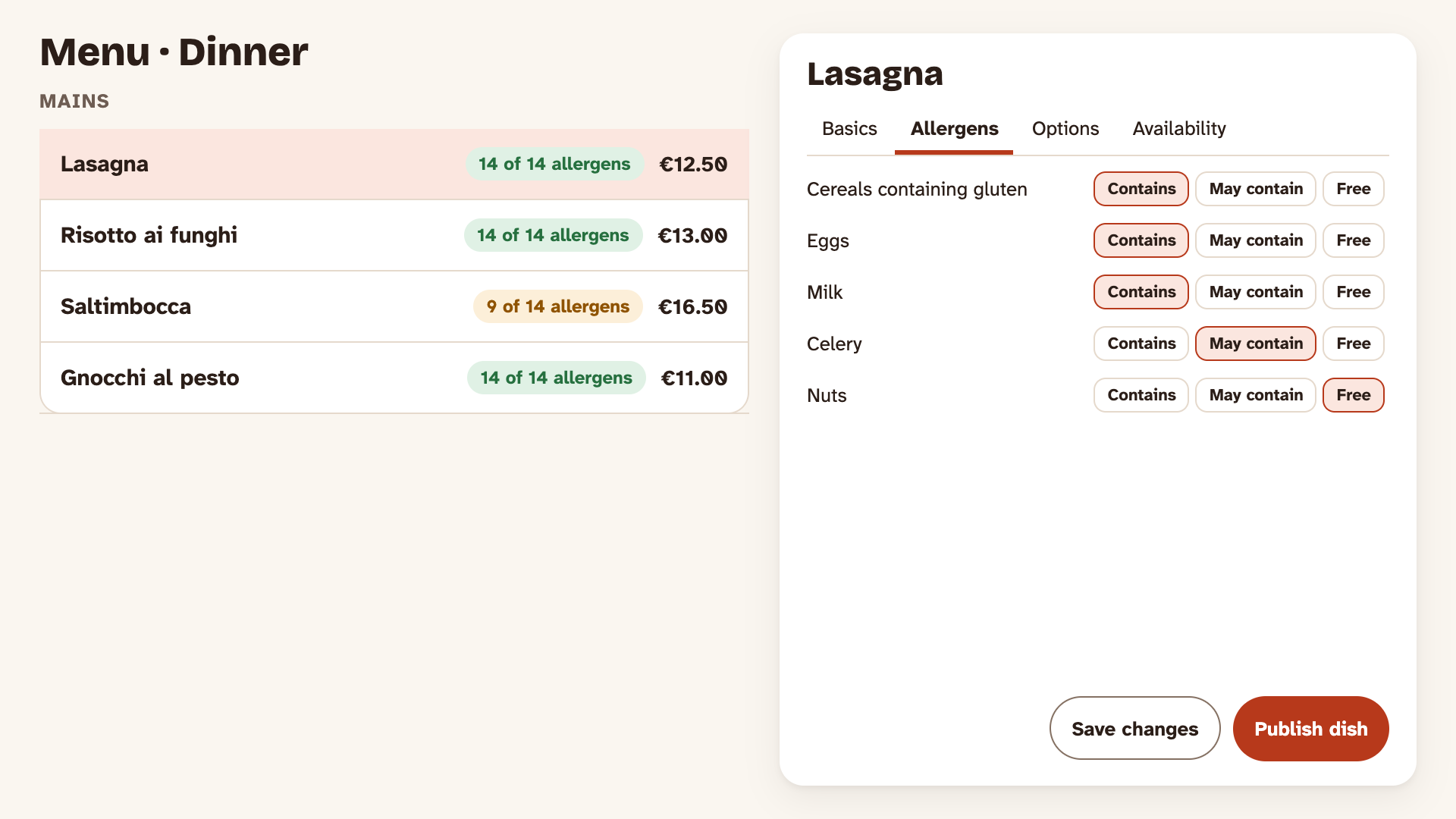
Upload a CSV file with names, prices and categories, then go through photos and allergens dish by dish.

The menu editor with the allergens of each dish

Frequently asked questions.

Another question? Write to us.

How much does a QR digital menu cost?

With brigetto, nothing for now: it is free during the launch, with every feature and no card needed.

Can I change prices on the spot?

Yes. The change is published as soon as you save.

Which languages is the menu in?

As many as you want to offer. Your own AI assistant can write the translations through MCP, and each guest chooses their language on the menu.

Do I need an app?

No. Neither you nor your guests: the menu opens in the phone’s browser.

Keep reading.

Tonight’s service could be easier.

Start free Free during the launch. No card needed.